 By Roman Aglaganov
Opera released an early preview of WebAI on 27 October. It lets websites and browser extensions use AI models that run on the user’s own computer, instead of sending text to a company’s servers. It is available first in Opera One, Opera’s main browser, with Opera GX and Opera Neon to follow.
How it works
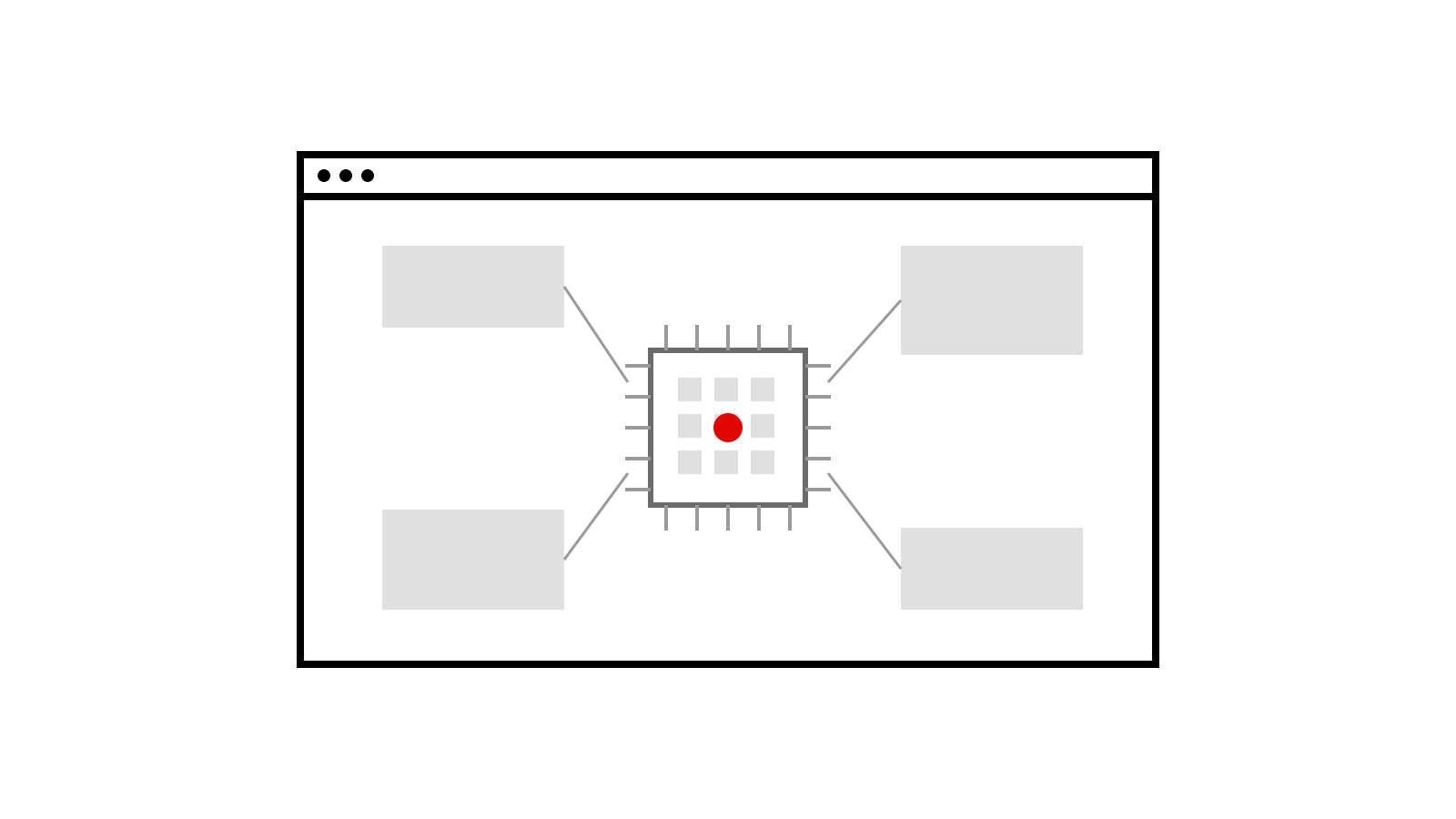
Normally, a website that offers an AI feature sends what you type to an AI provider, which charges the site for each request. With WebAI, the browser itself manages the model. A site or extension asks the browser to generate text, classify something or measure how closely passages are related, and the work happens on the device. Users do not need to install a separate AI app, set up a server or supply an API key.
Opera says WebAI is model-agnostic. It can run open-weight models through Opera’s own inference engine, and its model manager lists Google’s Gemma models among the options. On compatible Macs, Apple’s on-device foundation model is supported too. Thurrott describes WebAI as a proposed web standard backed by Google, Microsoft and others; Opera’s version supports the Prompt, Decision and Semantic Embeddings interfaces.
Why it matters
Privacy. Text that never leaves your computer cannot leak from someone else’s server or be used to train someone else’s model. That is a real benefit when a page is summarising your notes or sorting your emails.
Cost. Developers can add AI features without paying a cloud provider for each request. That could make small, free tools practical, such as the six demo extensions Opera released. One, Project Lens, colours each paragraph of an article by how relevant it is to your project; another, Got It?, writes a short quiz on what you just read.
Limits. Performance depends on the computer, and models small enough to run locally are generally less capable than the largest cloud models. The preview needs a Mac with Apple silicon or a 64-bit Intel or AMD Windows PC; Intel Macs and Windows on Arm are not supported yet.
Trying it
WebAI is off by default, and no model is downloaded until you turn it on. To try it, update Opera One, go to Settings, then Opera AI, and switch on “Enable Web AI API”. The browser then downloads a model, and you can test it in Opera’s WebAI playground or with the example extensions. It can be switched off at any time.