 By Roman Aglaganov
Big AI models live in data centres the size of warehouses. Smaller ones, it turns out, fit on your laptop, and they are better than you might expect.
A weekend project that changed things
In March 2023, days after Meta’s Llama model weights leaked online, the developer Georgi Gerganov released llama.cpp, a lean program that could run Llama on an ordinary MacBook. The trick was quantisation: storing the model’s billions of numbers with fewer bits, which shrinks it dramatically at a modest cost in quality. Think of it as an MP3 for AI models.
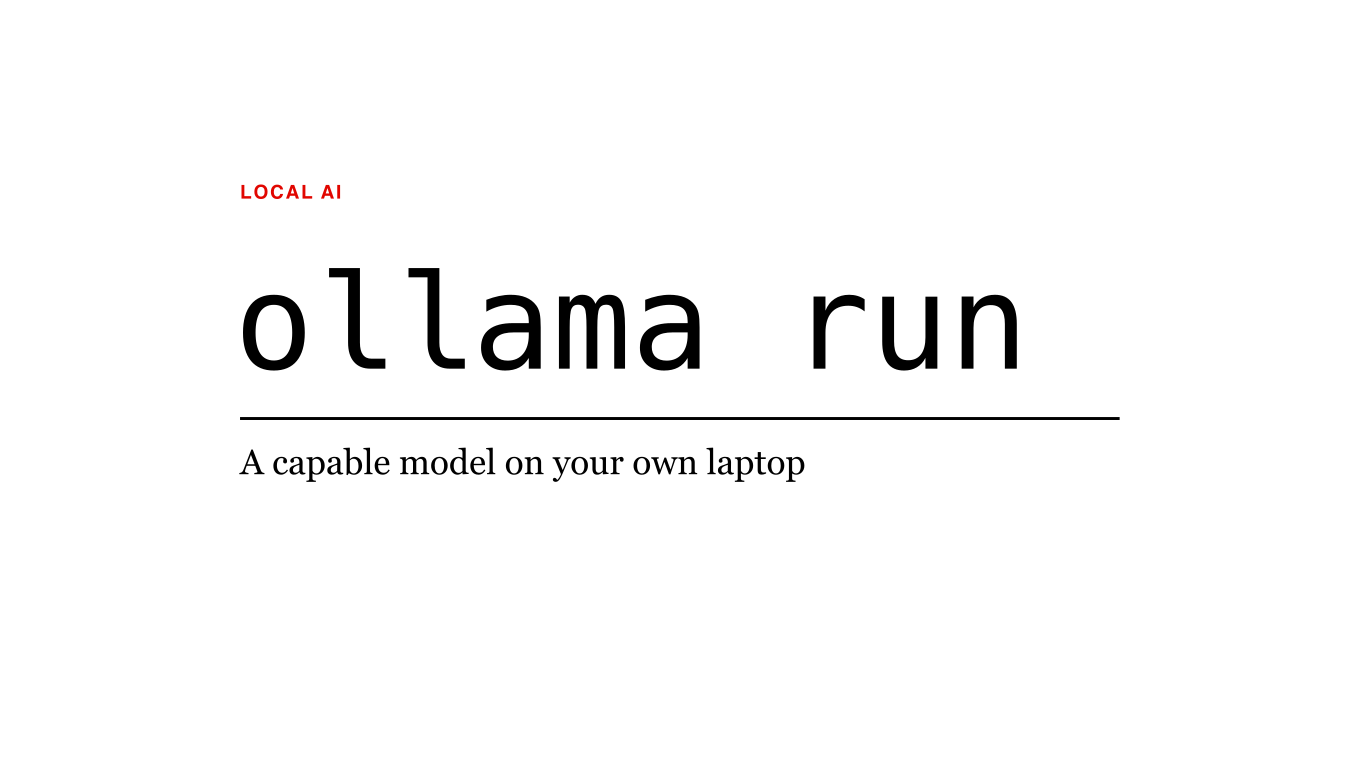
Tools such as Ollama then made it almost boring: install one app, type a command like “ollama run” followed by a model name, and you are chatting with an AI that runs entirely on your own machine.
Why bother?
Privacy: your documents never leave your computer, which matters for lawyers, doctors and anyone with a diary.
Offline: it works on a plane, in a cabin or during an outage.
Cost: no subscription and no per-question fees, once you have the hardware.
Tinkering: you can try dozens of open models, from Meta’s Llama and Mistral’s models to Google’s Gemma, Alibaba’s Qwen and DeepSeek’s smaller versions.
The trade-offs
Local models are smaller than the giants in the cloud, so they are weaker at hard reasoning and long, complex tasks, and they make your laptop fan sound like a hair dryer. But for summarising, drafting and private brainstorming, they are more than good enough, and getting better every few months.